Pixcut guides
Pixcut – Free Online Photo Editor & Image Tools
Twelve in-depth guides to cropping, resizing, batch processing, formats, compression, watermarks, borders, social media sizes, metadata and product photos — written for the tools Pixcut really has.
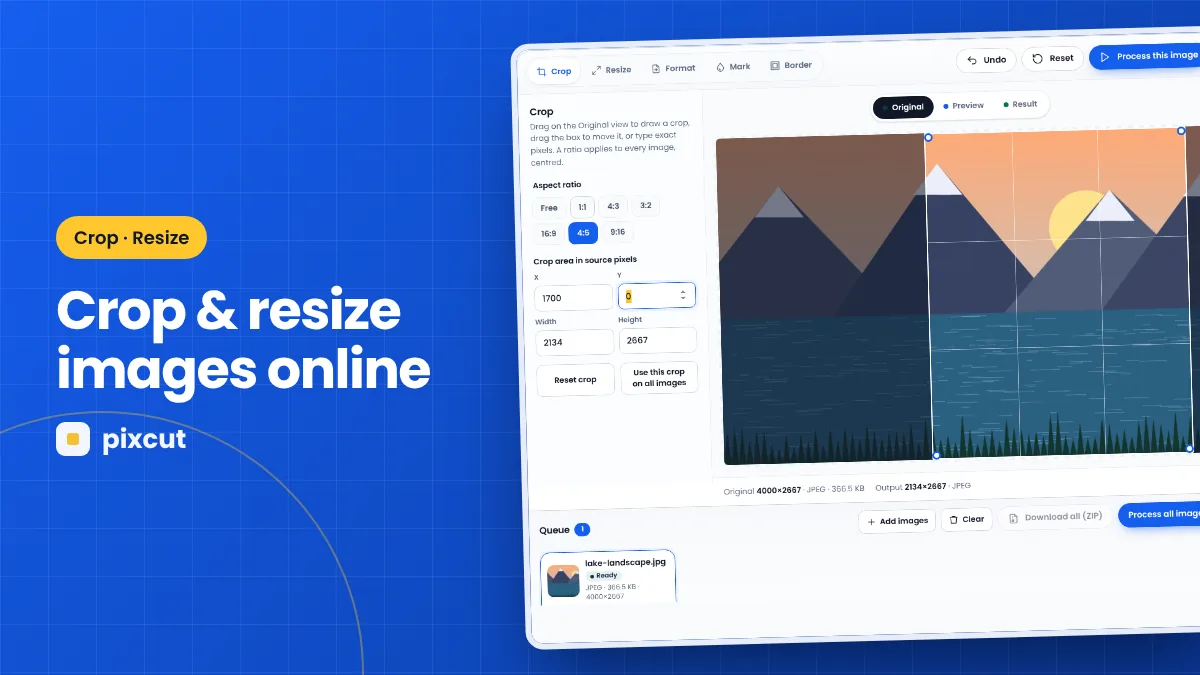 Crop · Resize · 8 min read
How to Crop and Resize Images Online with Pixcut
Crop and resize images online with Pixcut: draw or type a crop, lock aspect ratios, fit to pixel sizes and avoid blurry upscaling — all in your browser.
Read the guide →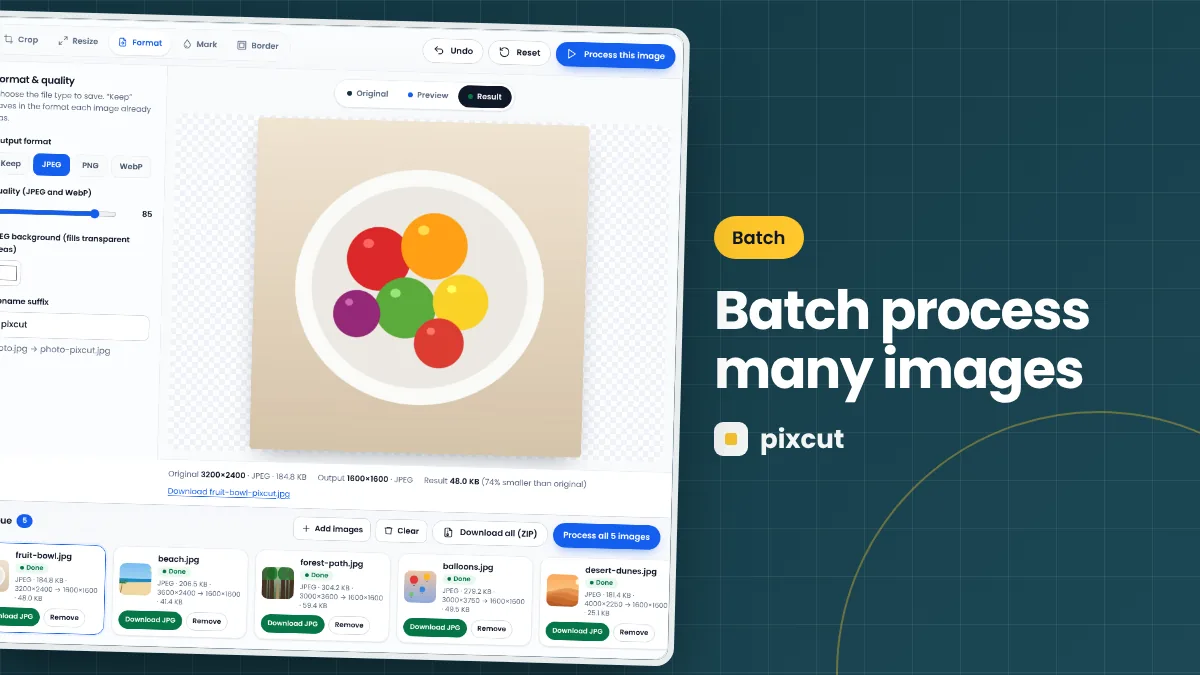 Batch · 7 min read
How to Batch Process Multiple Images with Pixcut
Batch process images in your browser with Pixcut: one set of crop, resize, format, watermark and border settings, per-file status and a ZIP download.
Read the guide →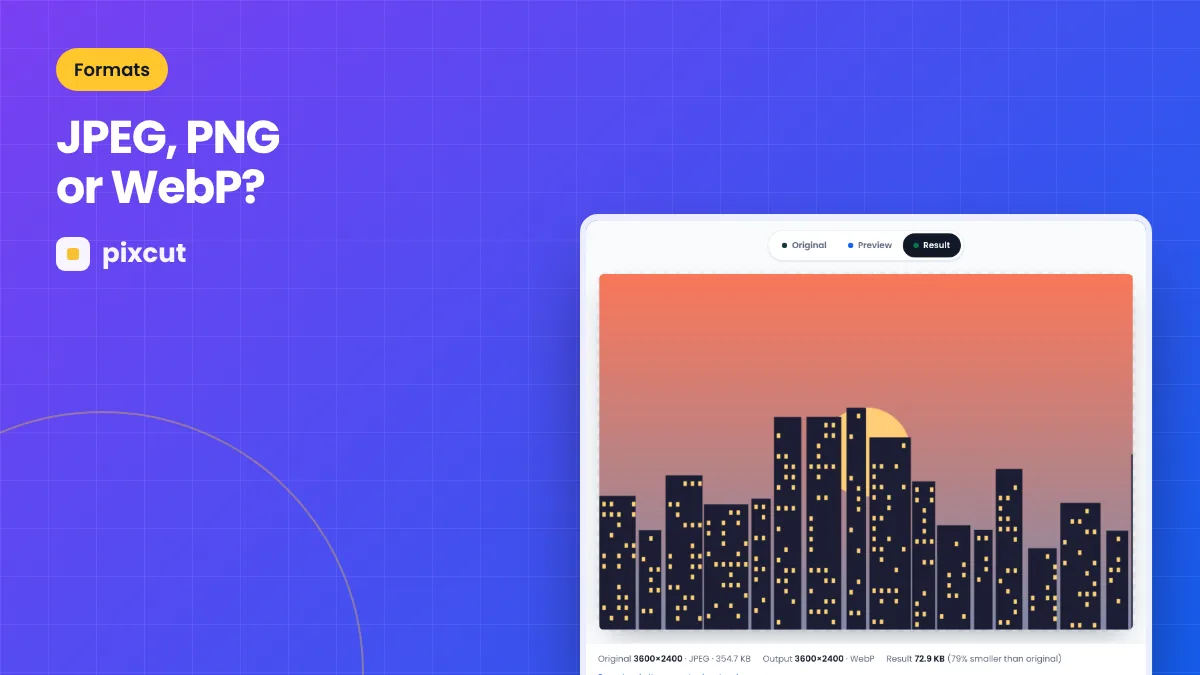 Formats · 7 min read
Which Image Format Should You Choose: JPEG, PNG, or WebP?
JPEG, PNG or WebP? Compare compression, transparency, quality and compatibility, and learn which format to export from Pixcut for photos, graphics and the web.
Read the guide →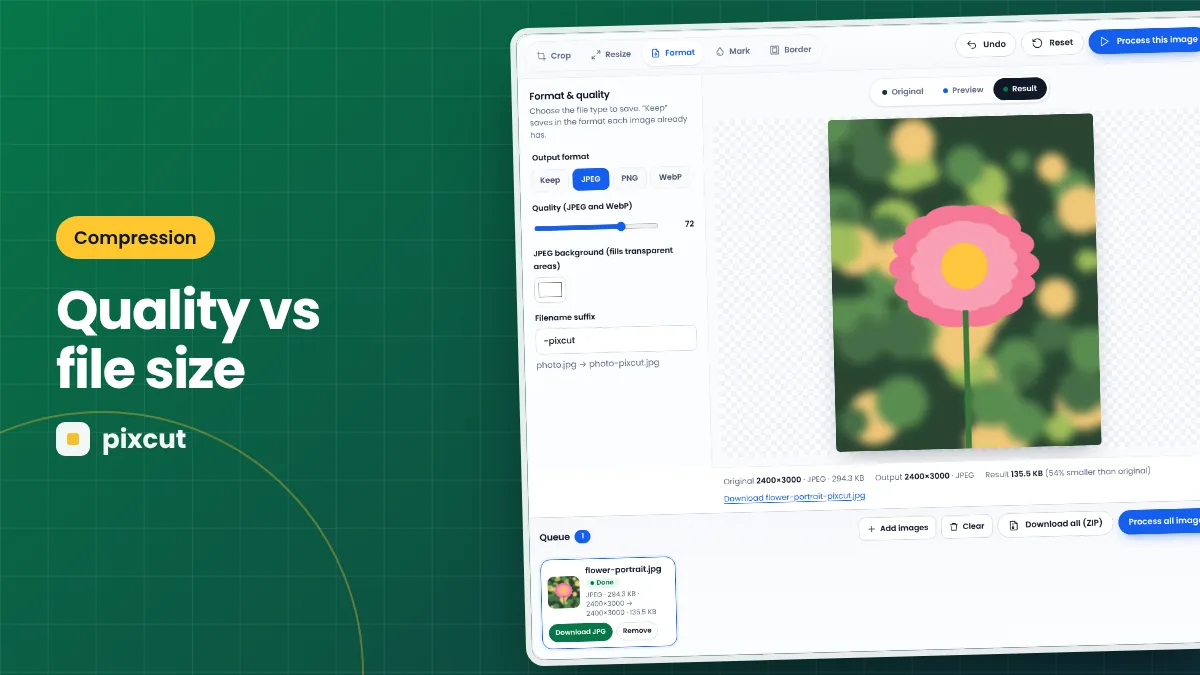 Compression · 7 min read
How to Compress Images While Balancing Quality and File Size
Compress images without visible damage: how quality settings, dimensions and format choice affect file size, with practical targets for web, email and social.
Read the guide →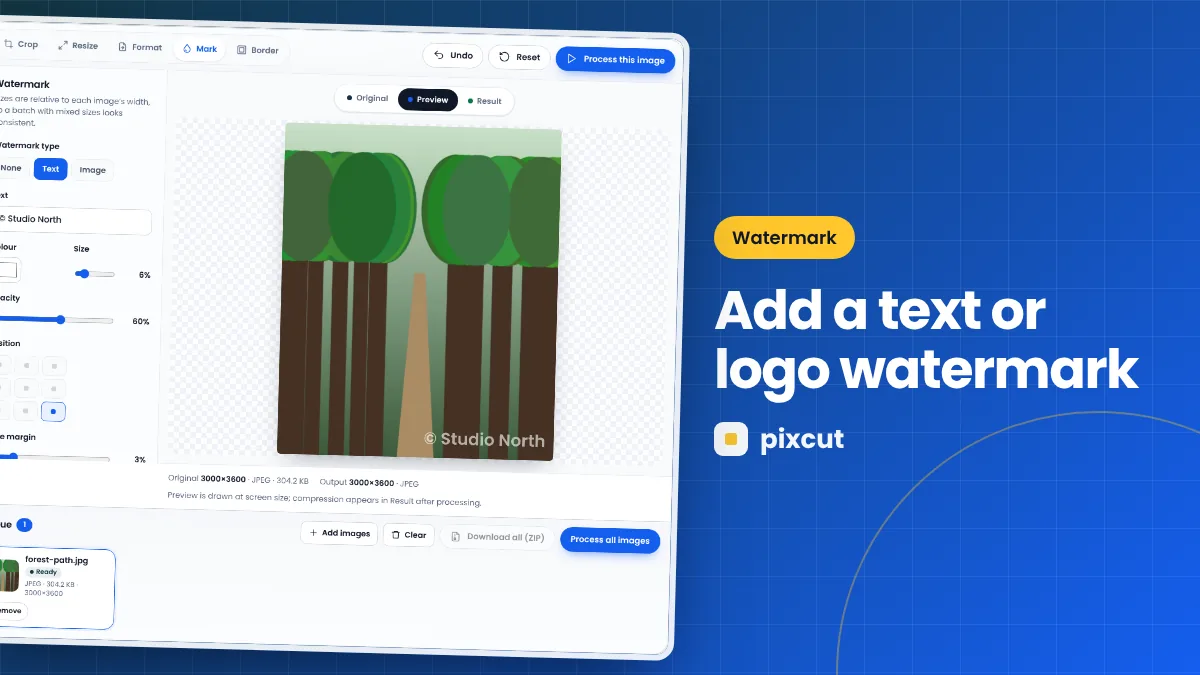 Watermark · 7 min read
How to Add a Text or Logo Watermark to Images
Add a text or logo watermark to one image or a whole batch in your browser with Pixcut. Control position, size, opacity and margin, with tips for subtle branding.
Read the guide →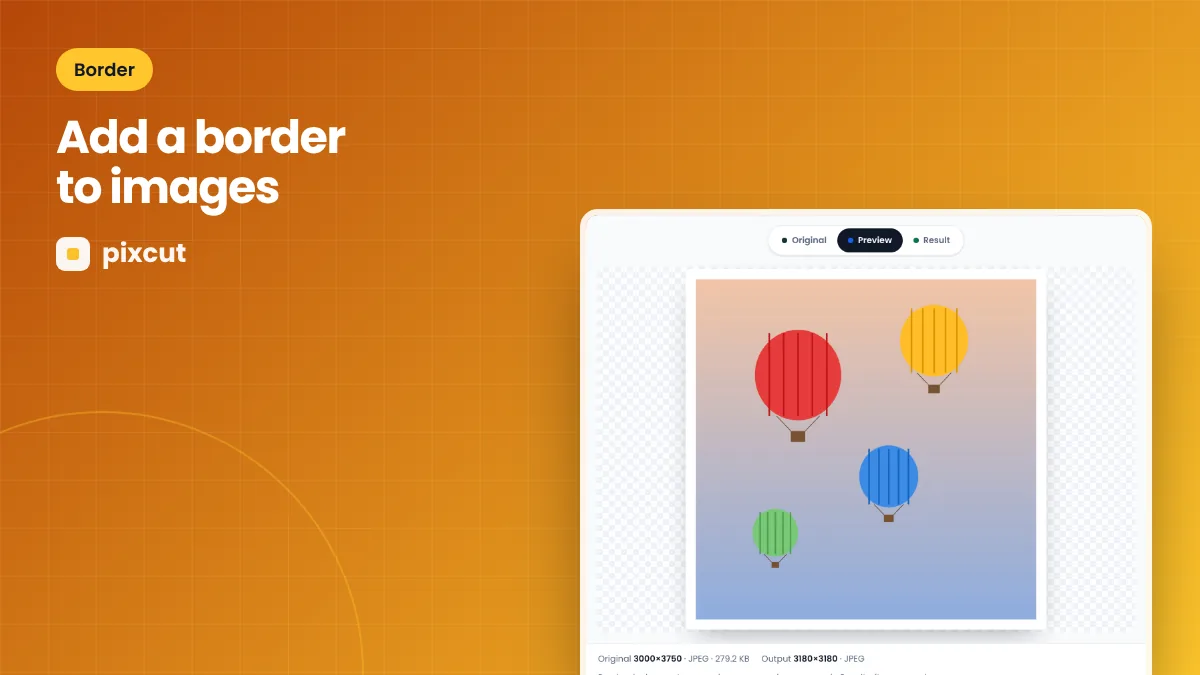 Border · 7 min read
How to Add a Border to Images Online
Add a solid colour border to images in your browser with Pixcut. Learn how border thickness affects output size and how to use borders for grids, prints and social posts.
Read the guide →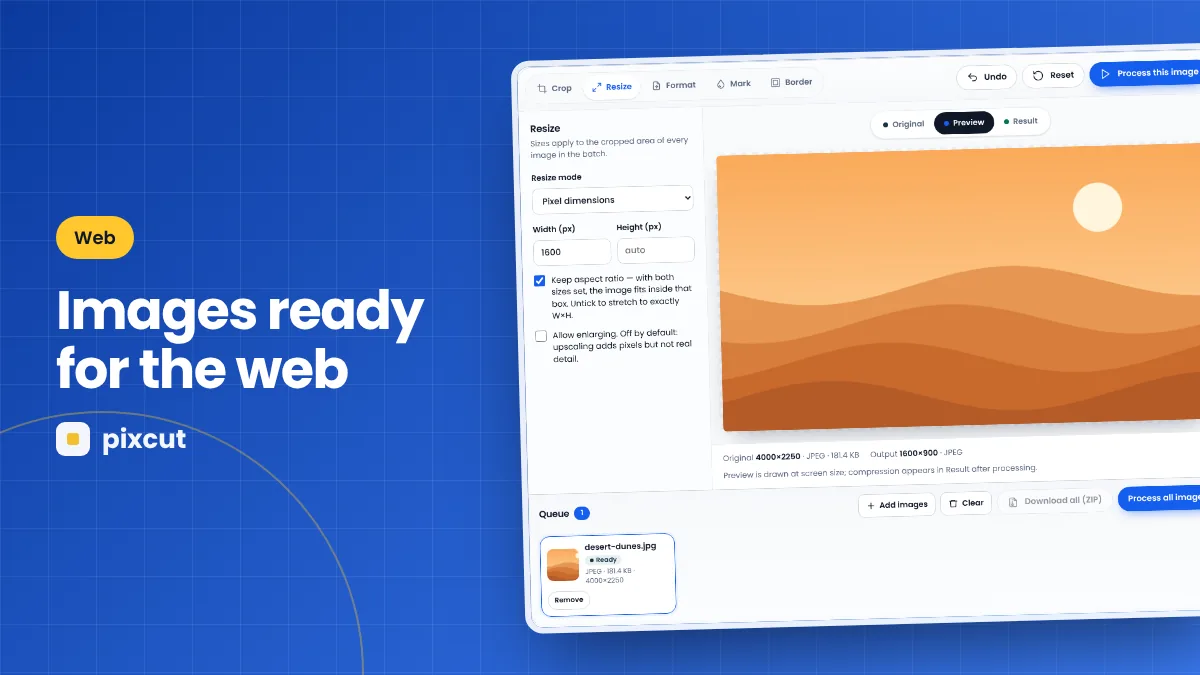 Web · 7 min read
How to Prepare Images for Websites
Prepare website images that load fast and look sharp: choose dimensions, format and quality, strip metadata and name files sensibly — with a browser-based workflow.
Read the guide →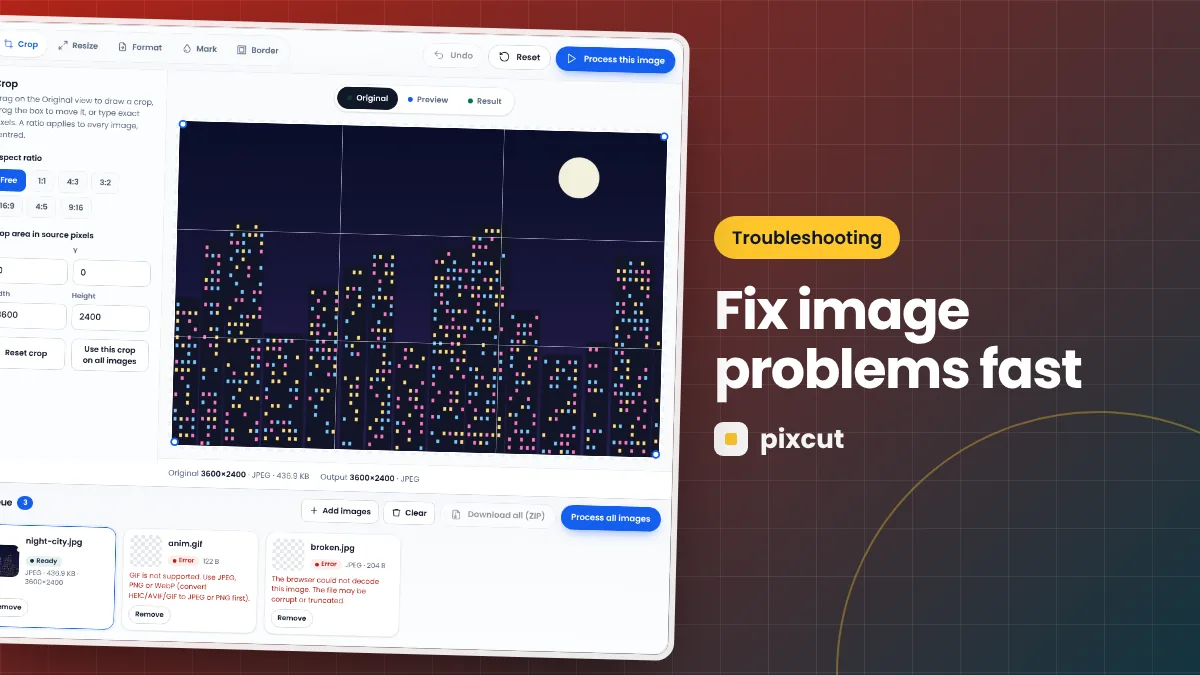 Troubleshooting · 7 min read
Troubleshooting Browser-Based Image Processing
Fix common problems with browser image tools: unsupported files, memory errors on large images, blocked downloads, missing WebP export and transparency issues.
Read the guide →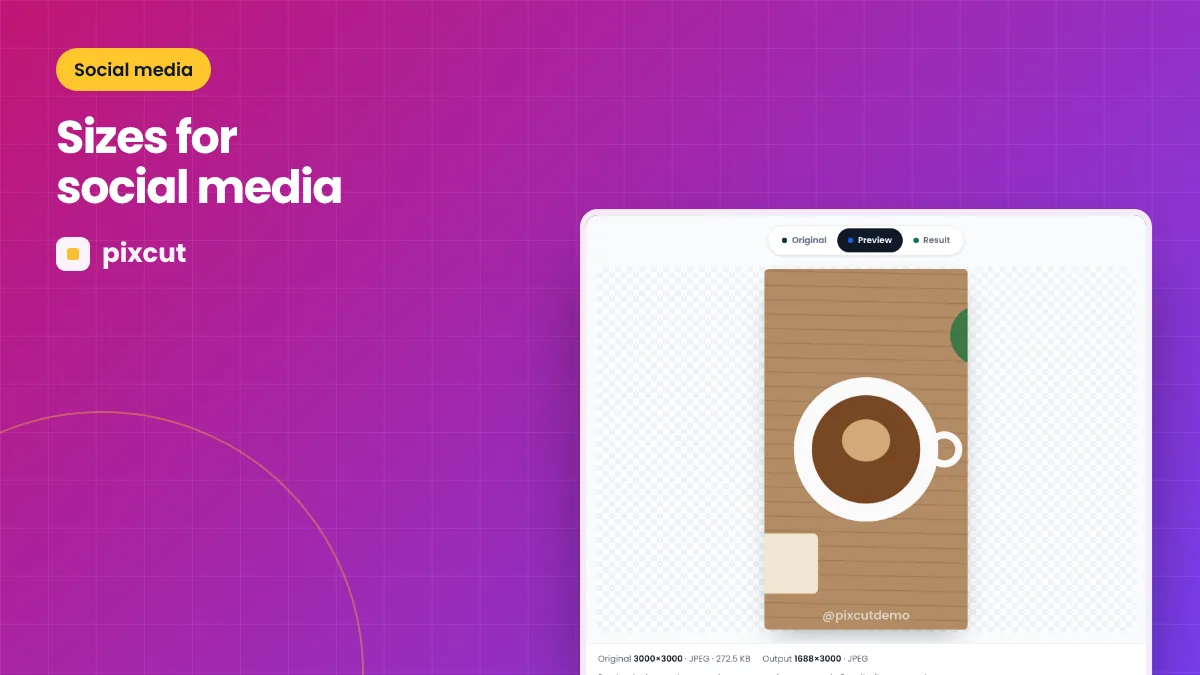 Social media · 7 min read
How to Resize Images for Social Media
Resize and crop images for social media feeds, stories and link previews with Pixcut: the right aspect ratios, sizes, quality settings and safe zones.
Read the guide →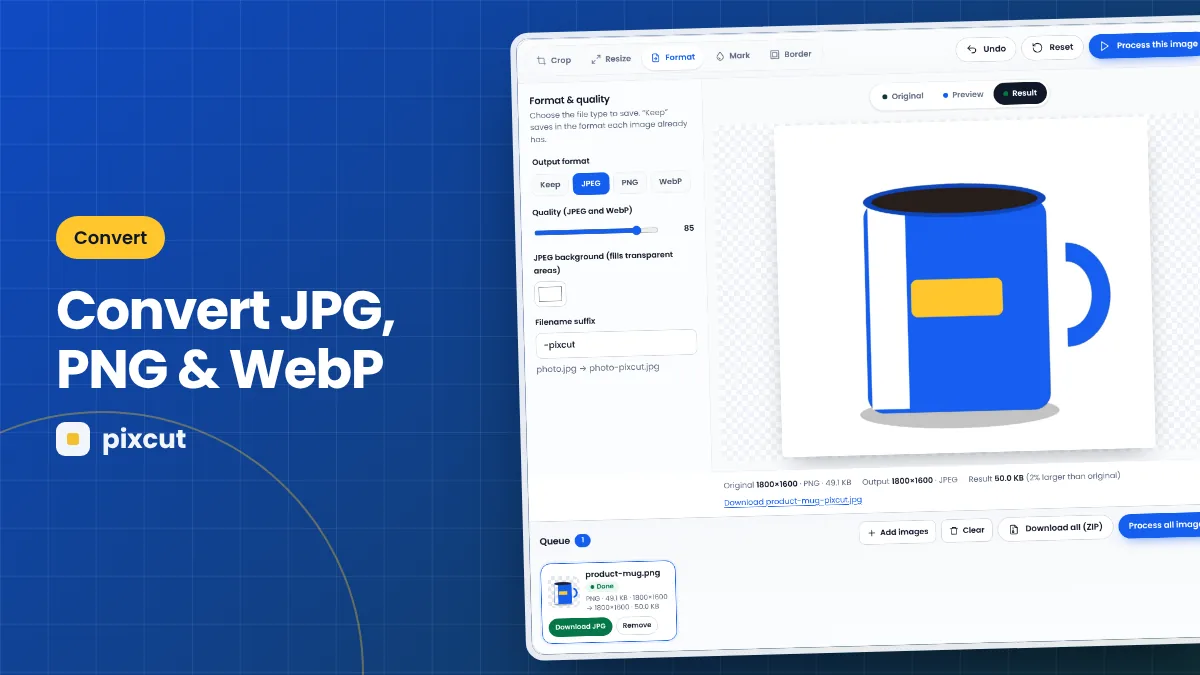 Convert · 7 min read
How to Convert Images Between JPG, PNG and WebP
Convert PNG to JPG, JPG to PNG, WebP to JPG and more in your browser with Pixcut. What changes during conversion, transparency handling and the best settings for each.
Read the guide →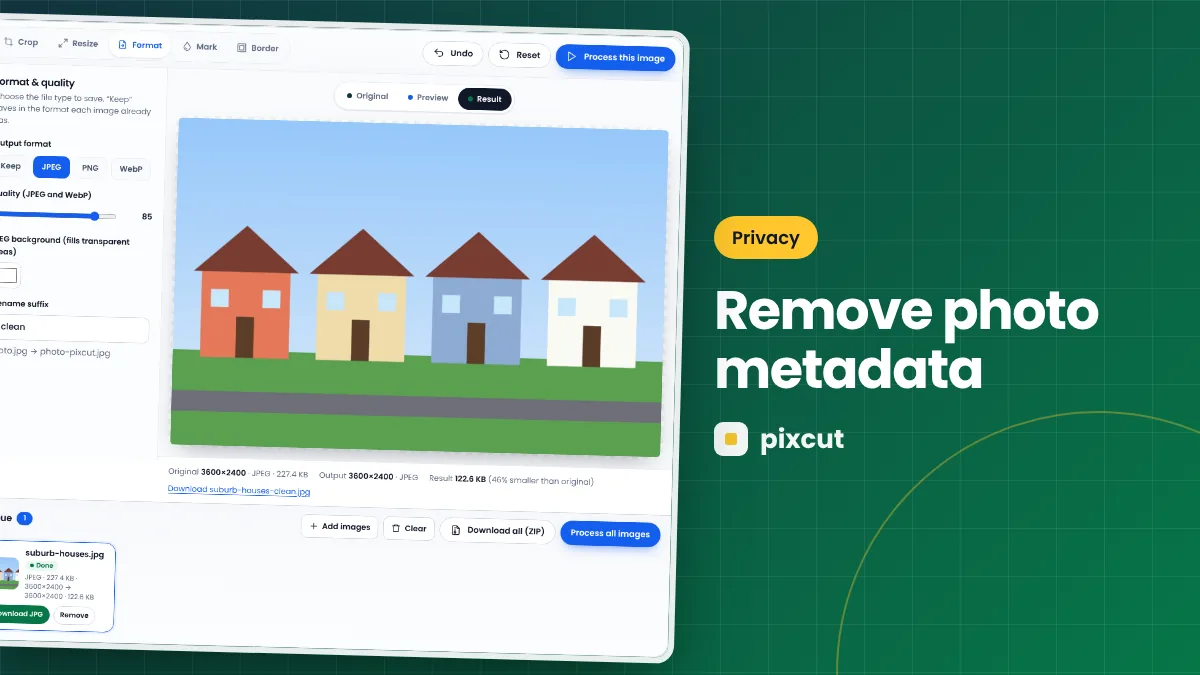 Privacy · 7 min read
How to Remove EXIF Metadata and Location from Photos
Photos can reveal GPS location, device and date. Learn what EXIF metadata is, why it matters for privacy, and how re-exporting with Pixcut removes it in your browser.
Read the guide → E-commerce · 7 min read
How to Prepare Product Photos for Online Stores
Prepare consistent product photos for online stores and marketplaces: square crops, white backgrounds for cut-outs, sizes, file formats and batch processing with Pixcut.
Read the guide →